 LegendMarket
PRODUCT CATALOG
Find your product
Rainbow Six Siege
Apex
Fortnite
Call Of Duty
Spoofer
DMA Bundles
More Products
What are you looking for?
 Rainbow Six SiegeCaruso DMA Month
 Rainbow Six SiegeLegendRage
 Rainbow Six SiegeLegendLite
 Rainbow Six SiegeAptitude AI R6
 Rainbow Six SiegeRanked Ready Accounts
ApexAptitude AI Apex
Rainbow Six SiegeRanked Ready Accounts
ApexAptitude AI Apex
 FortniteFortnite Accounts
 FortniteFortnite Private
 Call Of DutyCOD Private
 Call Of DutyCOD DMA
 Call Of DutyCOD Accounts
 ProductServer Attack Tool
 SpooferTemp Spoofer
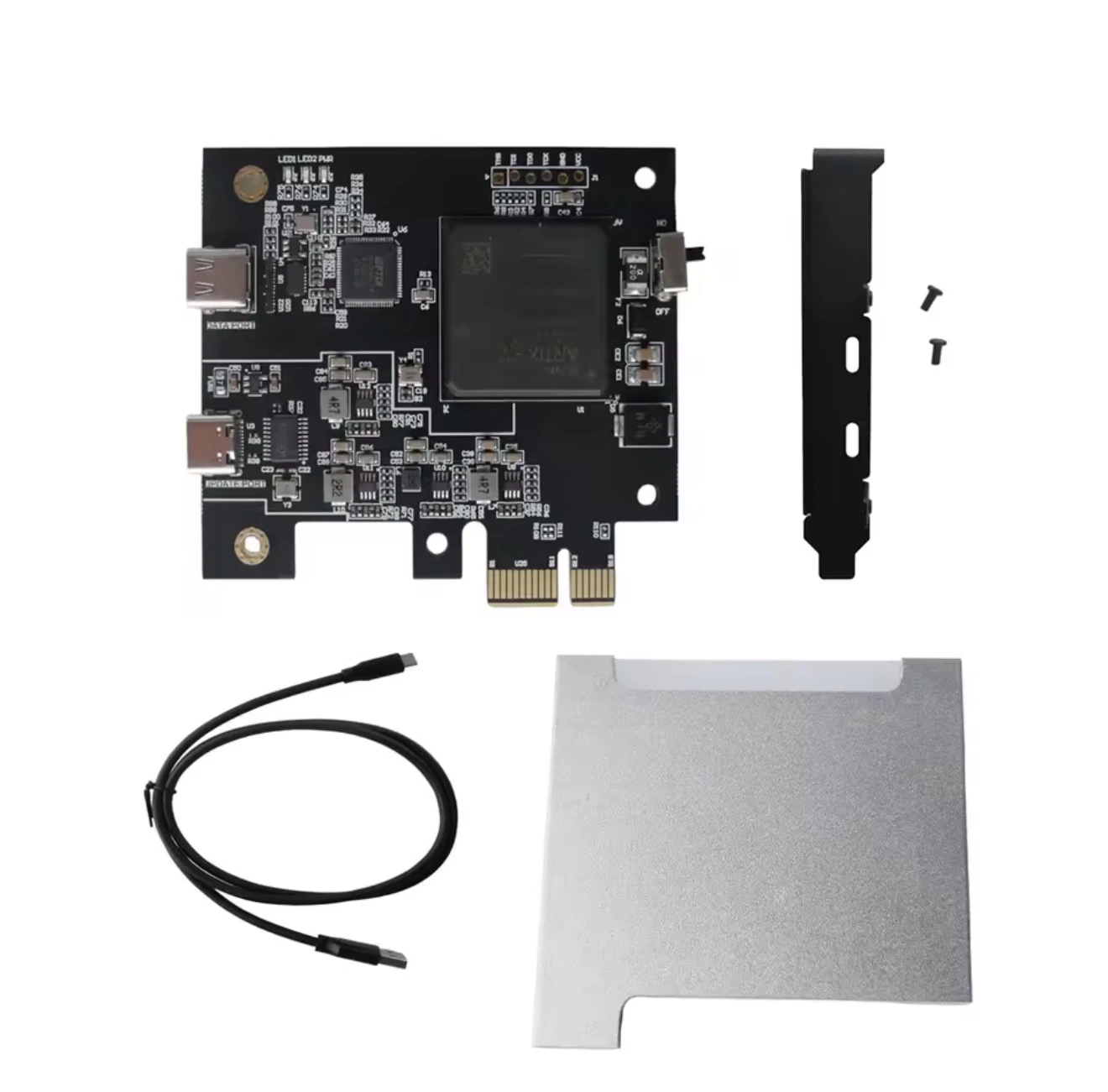 DMA BundlesDMA Bundles
 DMA BundlesEmulated DMA Firmware
 ProductTemp Number
No matches found.
What Is a DMA Card?
What is a DMA card and what is needed? A DMA card (Direct Memory Access) is a hardware component that can provide direct access to a computer’s system memory without relying entirely on the CPU for data communication. In the gaming-cheat space, DMA hardware can be used to read game data through a separate computer. This allows part of the cheat hardware and software to operate separately from the gaming PC. How does it basically work? A typical DMA setup uses two computers: Gaming PC / Main PC This is where the game is running. Your mouse, keyboard, and monitor are normally used as usual. The DMA hardware is connected to this system. Second PC / Control PC This computer processes the data obtained through DMA. The corresponding DMA software or supporting software runs on this PC. The second PC does not need to be particularly powerful because it does not render the game itself. What is needed for a DMA setup? Depending on the hardware and software being used, you may need: DMA card Gaming PC Second PC or laptop Compatible PCIe connection/interface Connection between both systems DMA-compatible software Required drivers/firmware Regular mouse and keyboard Additional hardware for output or input processing, depending on the setup Why is a second PC used? The second PC separates the processing from the actual gaming PC. The idea is that certain data does not have to be processed directly by a regular application running on the gaming PC. Important: A DMA card does not automatically make a cheat undetectable. Whether a setup is detected or blocked depends on factors such as the hardware, firmware, software, drivers, and the specific anti-cheat system being used. Important information for customers A DMA setup is considerably more complex than a regular software cheat. Multiple components need to work together and be configured correctly. In short: Gaming PC → DMA Hardware → Data Transfer → Second PC → Supporting Software The exact hardware requirements vary depending on the product and setup. Before purchasing, customers should make sure that the DMA card, firmware, connections, and additional hardware are compatible with each other.
SECURE CUSTOMER ACCESS
Welcome back
Manage purchases, invoices, and support in one place.